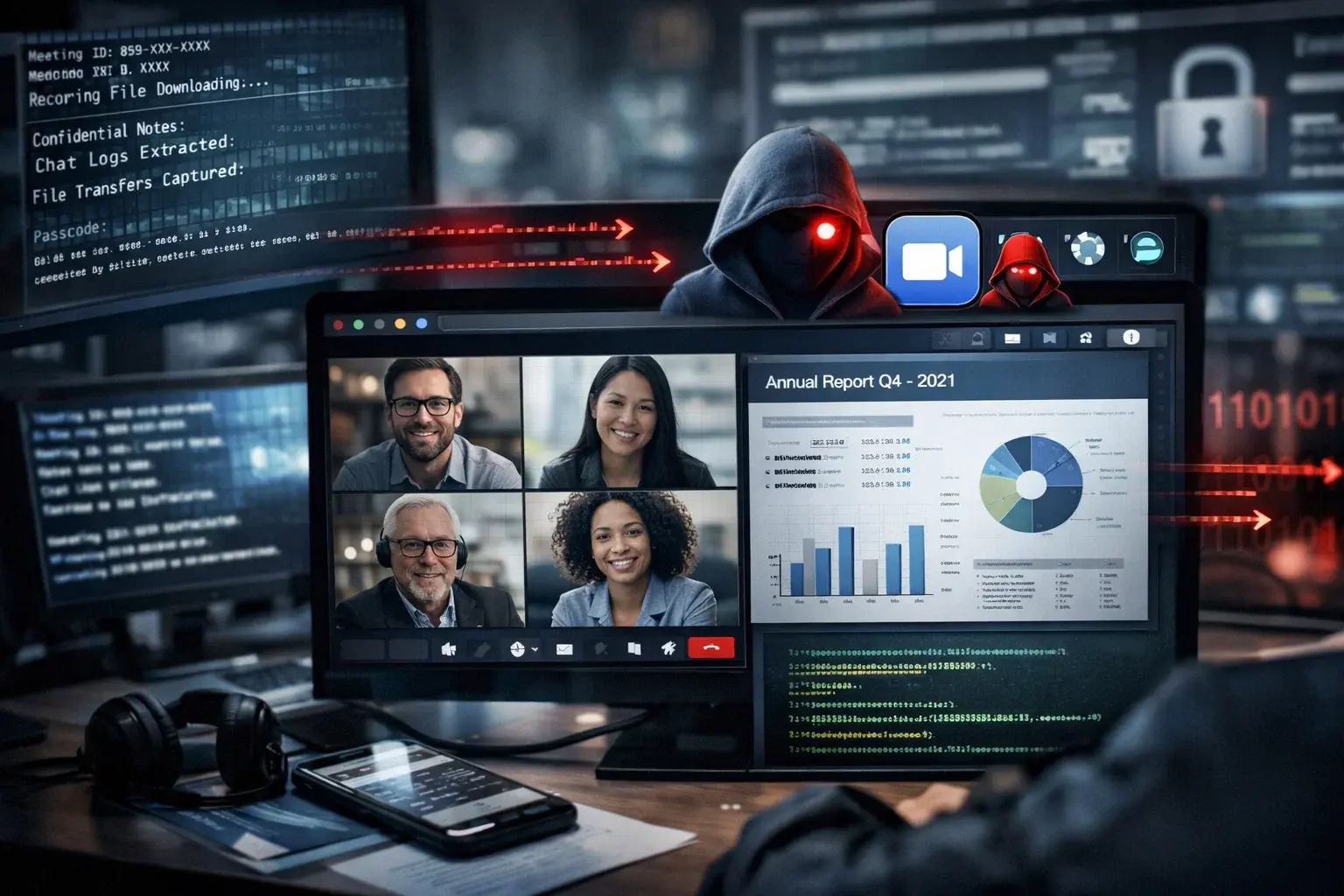
A new malware campaign, identified as Zoom Stealer, has compromised more than 2.2 million users of Chrome, Firefox, and Microsoft Edge through 18 malicious browser extensions.
These extensions are designed to collect sensitive information from online meetings, including URLs, session IDs, topics, descriptions, and embedded passwords, posing a significant risk to corporate security.
Zoom Stealer is part of a series of large-scale malicious campaigns that, over the course of seven years, have affected more than 7.8 million users. All of them have been attributed to the same advanced threat actor known as DarkSpectre, who specializes in using browser extensions as an attack vector for gathering business intelligence.
At TecnetOne, we closely monitor these types of emerging threats to help companies stay ahead of risks, strengthen their security, and protect the critical information that flows daily through collaboration and video conferencing tools—key components of today’s work environments.
Who is behind Zoom Stealer?
Based on infrastructure analysis and operational patterns, researchers suggest that DarkSpectre is linked to the same China-based threat actor responsible for previous campaigns such as GhostPoster, which targeted Firefox users, and ShadyPanda, which distributed spyware payloads through extensions for Chrome and Edge.
According to experts at Koi Security, the ShadyPanda campaign remains active, currently operating through 9 malicious extensions and at least 85 “sleeper” extensions. These are designed to build a base of legitimate users before activating malicious behaviors through future updates. This approach underscores the need for strict control and visibility over extensions installed in corporate environments.

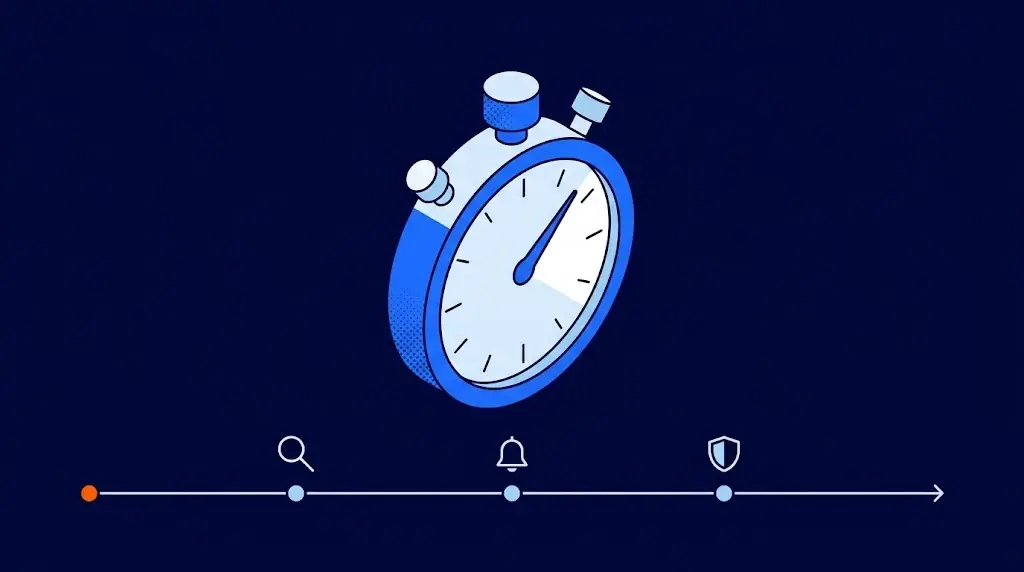
Campaign discovery flow (Source: Koi Security)
Although indications of a possible link to China had previously been detected, the attribution is now much stronger thanks to multiple technical pieces of evidence. Among these are the use of infrastructure hosted on Alibaba Cloud, the presence of ICP registrations, code artifacts containing strings and comments in Chinese, activity patterns aligned with the Chinese time zone, and a monetization model geared toward the Chinese e-commerce ecosystem.
This set of signals reinforces the attribution of the threat actor and confirms the level of sophistication behind the campaign.
Corporate Meeting Intelligence
The 18 extensions involved in the Zoom Stealer campaign are not exclusively focused on online meetings. Some present themselves as legitimate tools for downloading videos or recording audio, such as Chrome Audio Capture—which has over 800,000 installs—or Twitter X Video Downloader.
At the time of publication, several of these extensions remained available in the Chrome Web Store, increasing both the reach and risk of the threat. A key point is that all the extensions function properly and deliver on their promised features, allowing them to go unnoticed and gain users' trust.
This behavior supports an increasingly common tactic in advanced campaigns: offering real functionality while secretly collecting sensitive information related to meetings and corporate activity in the background.
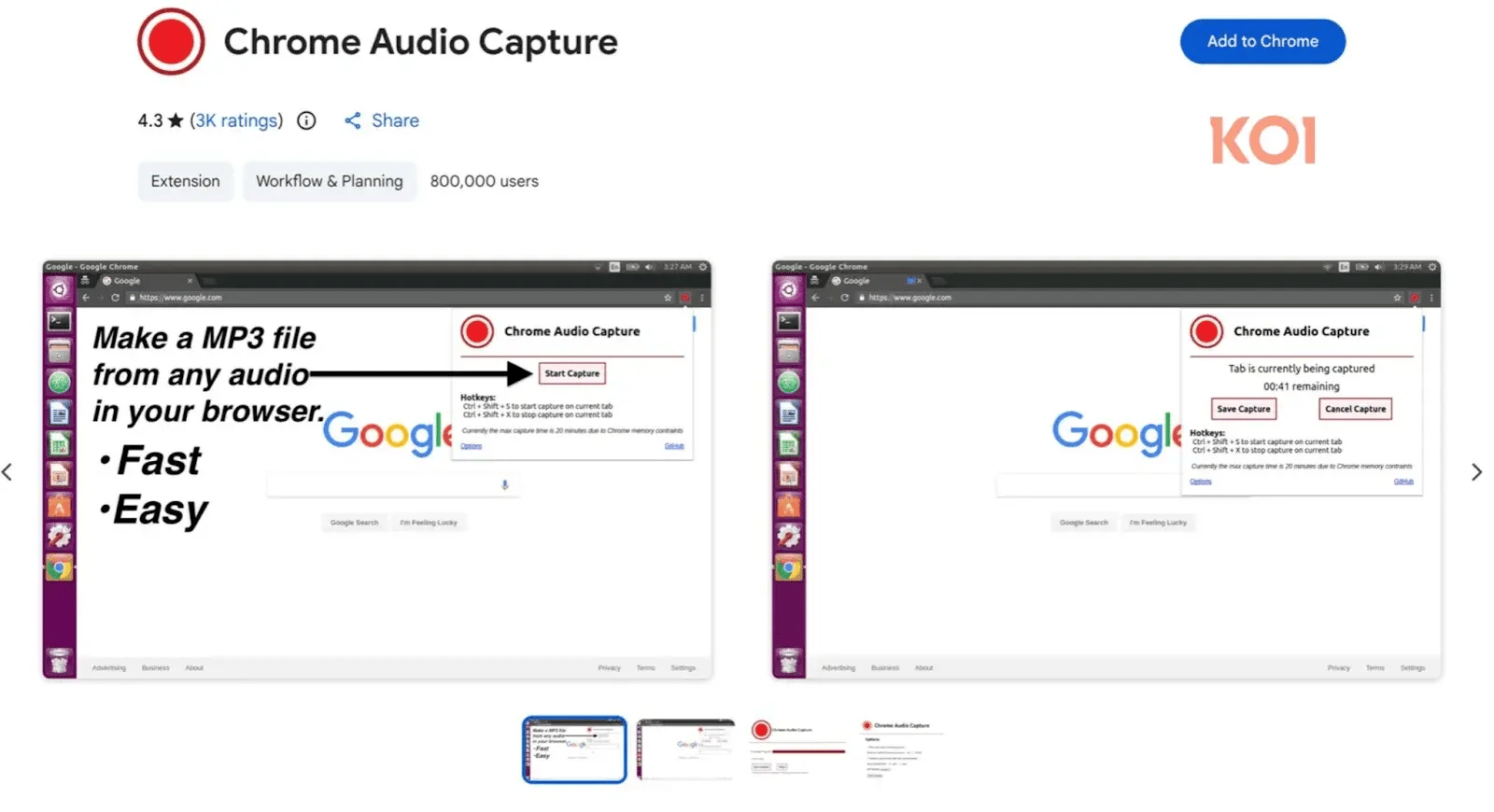
Chrome audio capture extension
According to technical analysis, all the extensions associated with the Zoom Stealer campaign request access to more than 28 video conferencing platforms, including Zoom, Microsoft Teams, Google Meet, and Cisco WebEx. Through this access, they are able to collect key meeting information such as:
-
Meeting URLs and IDs, including embedded passwords
-
Registration status, topics, and scheduled times
-
Names, titles, bios, and profile photos of hosts and speakers
-
Corporate logos, graphic assets, and session metadata
Read more: Top Ransomware Statistics in 2025 You Need to Know
How Zoom Stealer Collects and Transmits Data
The extraction of this data is carried out through WebSocket connections, allowing real-time transmission to attacker-controlled infrastructures. This activity is triggered when users access webinar registration pages, join meetings, or browse video conferencing platforms—without any visible signal to the victim.
The harvested information can be used for corporate espionage, business intelligence, and highly targeted social engineering attacks, and even to sell access to confidential meetings.
By systematically collecting meeting links, participant lists, and business context from millions of users, attackers can build a prime database for large-scale identity impersonation, enabling unauthorized access to sensitive calls and increasing the credibility of scams.
Since many of these extensions operated seemingly legitimately for long periods, it is crucial for users and organizations to carefully review requested permissions, minimize the number of installed extensions, and maintain strict control over the browser environment.
Although several extensions have been reported, many remain available in the Chrome Web Store, highlighting the importance of adopting a preventive and proactive approach to such threats.
How Can You Protect Yourself from Zoom Stealer?
Protecting against threats like Zoom Stealer requires a combination of strong cybersecurity practices and appropriate protective tools. At TecnetOne, we recommend the following effective measures:
1. Always Review Extension Permissions
Before installing any browser extension, it’s essential to check carefully:
-
What permissions it is requesting
-
Whether those permissions are genuinely necessary for its function
Any extension requesting access to all websites you visit or to sensitive information without a clear reason should be treated as a red flag.
2. Use Extensions Only from Trusted Sources
Only install extensions from official stores and check key details such as:
-
User ratings
-
Reviews and feedback
-
Number of downloads
Still, keep in mind that an extension may behave legitimately at first and later become malicious through an update.
3. Keep Your Work Environment Up to Date
Keeping your operating system and browser updated helps reduce the attack surface. Additionally, it’s recommended to:
-
Use endpoint security and antivirus solutions like TecnetProtect
-
Implement controls that restrict the installation of unauthorized extensions in corporate environments
4. Train Your Team
Cybersecurity also depends on the human factor. It’s vital that teams understand:
-
What browser extensions are and how they work
-
Why unverified tools shouldn’t be installed
-
How to identify suspicious behaviors or communications
5. Apply Centralized Management Policies
In medium and large companies, it’s essential to implement policies that restrict or block the installation of unauthorized extensions on corporate devices, thereby reducing the risk of exposure.
Zoom Stealer is a clear example of how digital threats continue to evolve and gain sophistication. Today’s attackers aren’t just stealing credentials—they’re targeting strategic business information and the internal operations of organizations.
That’s why video conferencing security is no longer just a technical issue: it’s a key responsibility for ensuring business continuity and protection.