 Why LinkedIn Has Become a Hunting Ground for Cybercriminals" loading="eager">
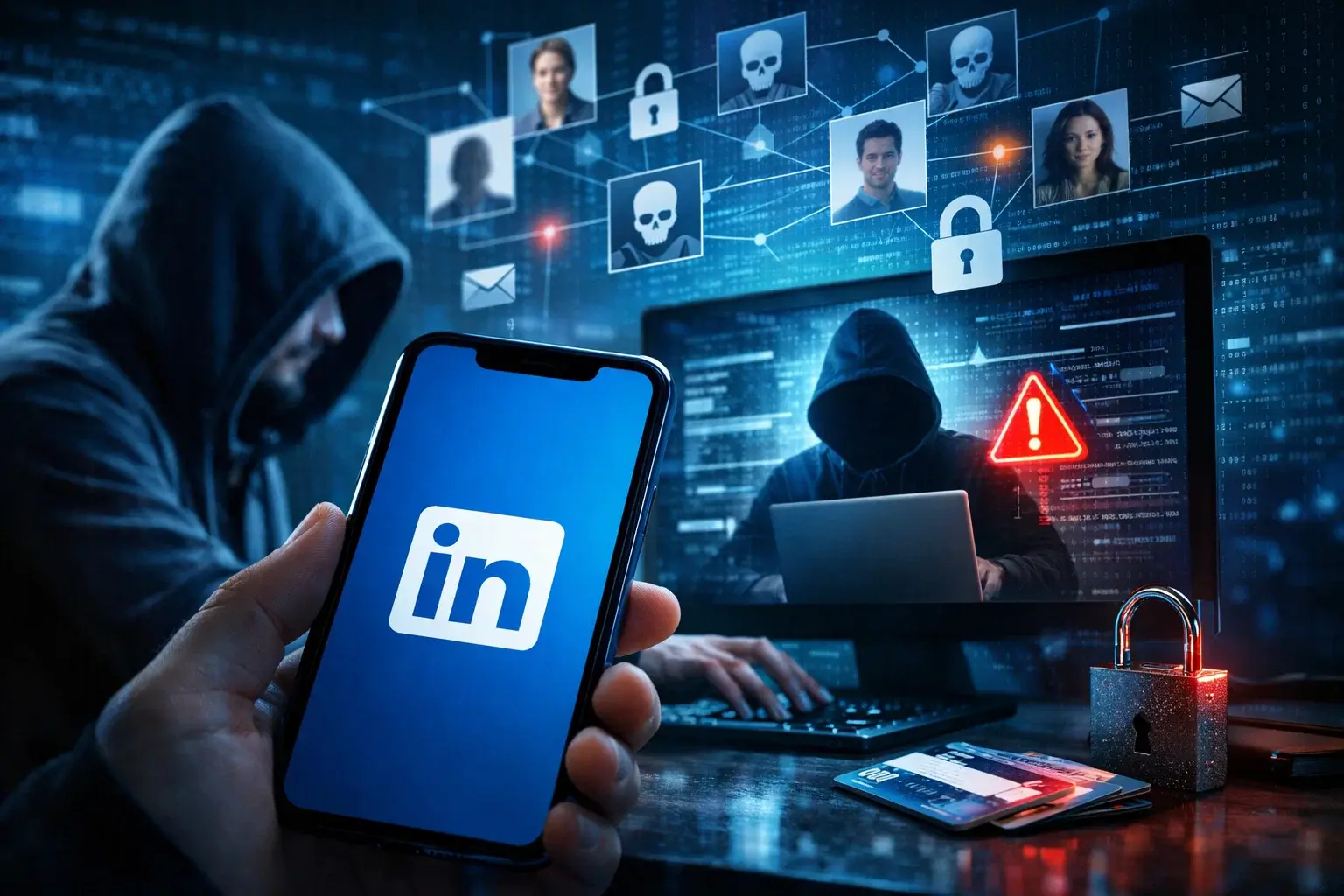
LinkedIn was born as a platform to connect professionals, share opportunities, and build career reputation. But what you see as a networking tool, many malicious actors see as a massive public database—perfectly organized and full of sensitive information.
At TecnetOne, we want to help you understand why LinkedIn has become a top target for hackers, scammers, and even espionage groups—and what you can do, as a professional or company, to reduce your risk.
LinkedIn: A Professional Network and a Goldmine
With over a billion users worldwide, LinkedIn is one of the largest public repositories of corporate information. And here's the key: most of the data is shared willingly—by you.
Your profile likely includes:
- Your current role
- The company you work for
- Your responsibilities
- Technologies you use
- Projects you’re involved in
- Past employers
- Key contacts
For a cybercriminal, this is free reconnaissance. They don’t need to breach systems to know who you are, what you do, or who you report to.
The Case That Raised Global Alarms
In November, British intelligence agency MI5 warned members of Parliament and staff about a foreign espionage operation. The method? Fake LinkedIn profiles targeting political insiders to extract “internal information.”
The case was so serious that the UK government announced major investments to counter espionage. But it’s far from an isolated incident—just the most visible example of a widespread issue.
Read more: LinkedIn Sues ProAPIs for Using 1 Million Fake Accounts to Scrape Data
Why LinkedIn Is So Attractive to Attackers
It offers high-value intelligence
If an attacker wants to launch a well-crafted fraud, LinkedIn helps them:
- Identify new employees (who are more vulnerable)
- Find decision-makers
- Detect interdepartmental relationships
- Uncover suppliers and partners
All of this supports targeted phishing, Business Email Compromise (BEC), and advanced social engineering.
It adds credibility
On LinkedIn, you're expecting recruiters, partners, executives, or colleagues—not scams. That makes you more likely to:
- Accept connection requests
- Open direct messages
- Respond to job offers
For many executives, LinkedIn is one of the few direct channels accessible to attackers.
It bypasses traditional defenses
LinkedIn messages:
- Don’t go through corporate email filters
- Aren’t scanned by the company’s security systems
- Often go unnoticed by the IT team
While LinkedIn has built-in protections, they’re not foolproof. And the platform’s professional context makes users more trusting.
It’s easy to fake a profile.
Attackers can:
- Create convincing fake identities
- Hijack real accounts with stolen credentials
- Automate mass-messaging campaigns
With so many leaked passwords floating around, hijacking real LinkedIn accounts is getting easier.
The Most Common Attacks Originating on LinkedIn
Phishing & Spear Phishing
Using your public profile info, attackers craft convincing messages:
- Referencing your job role
- Mentioning real projects
- Mimicking industry language
This drastically increases the success rate compared to generic emails.
Direct Messages with Malicious Content
Some DMs contain:
- Malicious links
- Fake job offer files
- Phishing forms
The goal is to install malware or steal credentials.
BEC (Business Email Compromise)
LinkedIn helps attackers map out corporate hierarchies. With this, they can:
- Impersonate executives
- Request urgent wire transfers
- Trick suppliers or partners
Cases like the MGM breach (costing over $100 million) began with LinkedIn intelligence.
Deepfakes and impersonation
Public videos can be used to create voice or face deepfakes for:
- Fake calls
- Manipulated video meetings
- Sophisticated scams
Account hijacking
Via:
- Phishing
- Infostealers
- Password reuse
Attackers compromise legitimate accounts to target the victim's entire network.
Supply chain and partner attacks
Even if you’re not the end target, you may be the weakest link. LinkedIn helps attackers identify third-party vendors.
Real-World Groups Already Using LinkedIn
This isn’t theoretical. Documented cases include:
- Lazarus Group (North Korea) posing as recruiters
- Scattered Spider, tricking help desks via real profiles
- Ducktail, targeting marketing and HR professionals
LinkedIn is now an active part of the modern threat landscape.
You might also be interested in: Why Do Cybercriminals Use LinkedIn for Phishing?
How to Protect Yourself (and Your Company)
Limit the info you publish
Avoid posting:
- Sensitive technical details
- Internal tools
- Critical processes
Always ask: “Could this help an attacker understand my company?”
Be skeptical of unexpected messages
Especially if:
- The job offer seems too good
- They ask to move the conversation off-platform
- There are links or attachments
Spot fake profiles
Common red flags:
- Few connections
- Vague job history
- Generic photos
- Minimal activity
Enable multi-factor authentication (MFA)
One of the most effective protections against account hijacking.
Keep your devices secure
- Stay updated
- Use trusted security tools
- Avoid opening links on unsecured devices
Train your team
At TecnetOne, we recommend integrating LinkedIn-related attack scenarios into your security awareness programs—especially for:
- Executives
- HR teams
- Finance
- Sales
LinkedIn Isn’t the Enemy—Blind Trust Is
LinkedIn remains a powerful platform. The problem isn’t the network—it’s assuming everyone there is who they claim to be.
The reality is clear: LinkedIn is both a professional network and an operational playground for threat actors.
At TecnetOne, we believe the best defense is knowledge. Because even in “trustworthy” environments, smart skepticism is a form of security.


Microsoft Cloud and Cybersecurity expert with more than a decade of experience in the technology industry. He is recognized for his extensive knowledge in implementing cloud-based solutions and protecting data and systems against cyber threats. As a leader and speaker, Gustavo continues to share his knowledge and best practices at technology events and training programs.