 This Email Looks Like Google Cloud but It’s a Phishing Scam" loading="eager">
If you use cloud services or work in a corporate environment, you're likely to receive automated emails every day—alerts, notifications, access requests, or file sharing. And that’s precisely where cybercriminals have found the perfect opportunity to strike.
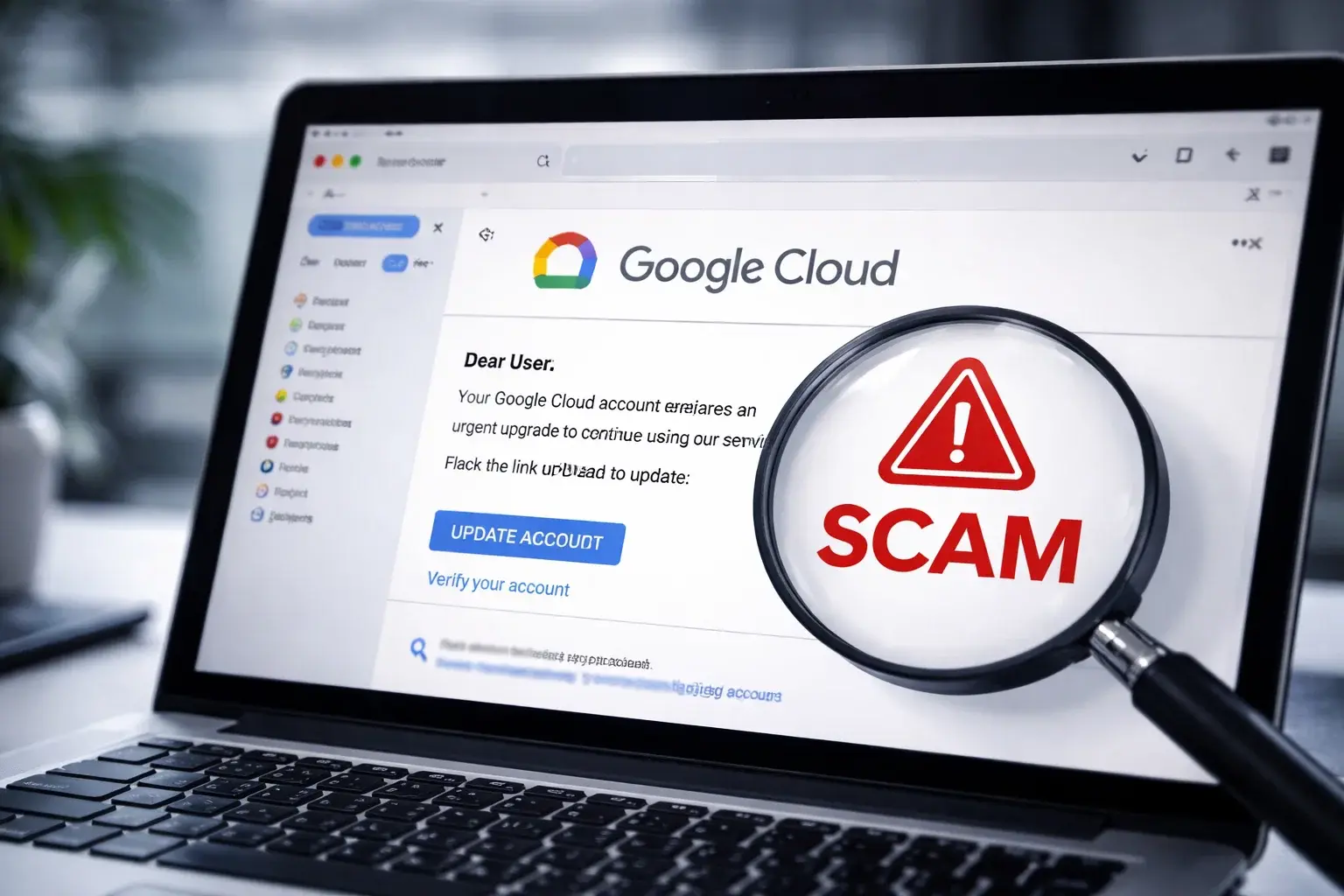
In recent days, a particularly dangerous phishing campaign has emerged, impersonating Google Cloud. What makes it especially concerning is that it uses legitimate Google infrastructure to deceive recipients. At TecnetOne, we want to explain exactly how this scam works, why it’s so effective, and most importantly—how to avoid falling for it.
Why This Scam Is Different (and More Dangerous)
This isn’t your typical poorly written email from a sketchy domain. Quite the opposite.
This campaign achieved something that makes detection much harder: emails sent from a real Google address.
The attackers used:
noreply-application-integration@google.com
—a legitimate email associated with real Google Cloud integrations. This allowed the messages to bypass traditional security filters and land directly in the inboxes of users and companies.
According to reports, over 9,300 phishing emails were sent to more than 3,200 organizations globally. This is not an isolated incident—it's a well-coordinated, large-scale, and highly convincing campaign.
Emails That Seem Normal—Because They Almost Are
What makes this scam effective is its familiarity. The emails mimic the ones you already receive at work. Common subject lines include:
- Voicemail alerts
- Shared document notifications
- Access or permission requests
- Automated cloud service alerts
Nothing out of the ordinary. Nothing to immediately raise suspicion. If you use Google Workspace, Google Cloud, or Microsoft 365, it’s easy to fall for this trap without realizing it.
Read more: Phishing Simulation: How to Successfully Train Your Team
How the Attack Works: Step by Step
Understanding the full phishing flow reveals why it’s so effective. It’s not just a single click—it’s a multi-step deception chain designed to build trust and bypass security.
1. The First Click on a “Legit” Link
The email link doesn’t immediately take you to a sketchy website. Instead, it redirects to a real Google Cloud URL:
storage.cloud.google.com
Because it's a valid Google domain, security filters trust it and allow it through.
2. A Fake CAPTCHA to Filter Out Bots
Next, you land on another legitimate Google domain:
googleusercontent.com
Here, a fake CAPTCHA appears. Its purpose isn’t to verify you’re human—it’s to stop automated tools from analyzing the site. Only real users get through.
3. The Trap: A Fake Microsoft Login Page
Finally, you're redirected to a fake Microsoft login page, hosted on a third-party domain but visually identical to the real one.
If you enter your credentials, they go straight to the attackers—and your account is now compromised.
What the Attackers Are Really After
The goal isn’t just to steal a password—it’s to gain access to valid corporate credentials, especially those tied to:
- Business email
- Shared documents
- Cloud platforms
- Internal tools
- Privileged systems
With just one compromised account, attackers can:
- Access sensitive data
- Launch internal attacks
- Impersonate employees
- Escalate privileges
- Set up larger attacks (e.g., ransomware, financial fraud)
This type of phishing is often the first stage of far more serious incidents.
Most Affected Sectors and Regions
While this is a global campaign, certain industries have been hit hardest:
- Manufacturing and industry
- Technology and SaaS companies
- Finance, banking, and insurance
Other affected sectors include:
- Consulting
- Education
- Healthcare
- Energy
- Government
- Logistics and travel
Geographic hotspots include:
- United States
- Asia-Pacific
- Europe
In Latin America, Brazil and Mexico are the most affected—especially relevant if you operate or collaborate with teams in those countries.
Why Traditional Filters Are No Longer Enough
This attack proves something we’ve warned about at TecnetOne: you can’t rely solely on "trusted domains."
Today’s cybercriminals:
- Exploit real cloud services
- Chain legitimate redirections
- Use trusted brand names
- Mimic normal workflows
This makes modern phishing extremely difficult to detect without advanced tools and well-trained users.
You might also be interested in: Do you know how to spot a phishing attack?
How to Protect Yourself (and Your Company)
While the attack is sophisticated, there are clear measures you can start applying today:
1. Never trust emails asking for credentials
Even if the sender looks legit, no serious service should ask for login details via email.
2. Always verify the final URL
Before entering any credentials, check the domain in your browser. One small detail can reveal the scam.
3. Use multi-factor authentication (MFA)
Even if a password is stolen, MFA can block unauthorized access.
4. Strengthen employee awareness
Phishing like this exploits normal habits, not obvious mistakes. Training matters.
5. Implement advanced security solutions
You need tools that can:
- Analyze user behavior
- Detect suspicious redirect chains
- Go beyond domain trust
This Won’t Be the Last Time
While this specific campaign has been blocked, variants will continue to appear. Attackers will keep abusing cloud services, automation, and normal-looking workflows.
The lesson is clear: phishing has evolved—and so must your defenses.
Final Thoughts: Trust Is No Longer Enough
Today, even an email that looks 100% legitimate can be a trap.
At TecnetOne, we emphasize a holistic approach: technology, process, and people. If you learn to spot the signs and strengthen your systems, you can dramatically reduce your risk.
Cloud communication is part of our daily life and cybersecurity is no longer optional—it’s essential.