Today, technology is the heart of business. From daily operations to sales, customer service, and security, everything depends on digital systems that must be available and functioning at 100%. For a CTO or IT manager, this raises a key question: how can you gain full visibility and control over the infrastructure before an issue impacts the business?
That’s where IT monitoring comes in. It’s not just about “checking if systems are up,” but about having a strategy that anticipates failures, optimizes performance, and ensures operational continuity.
Table of Contents
What is IT monitoring?
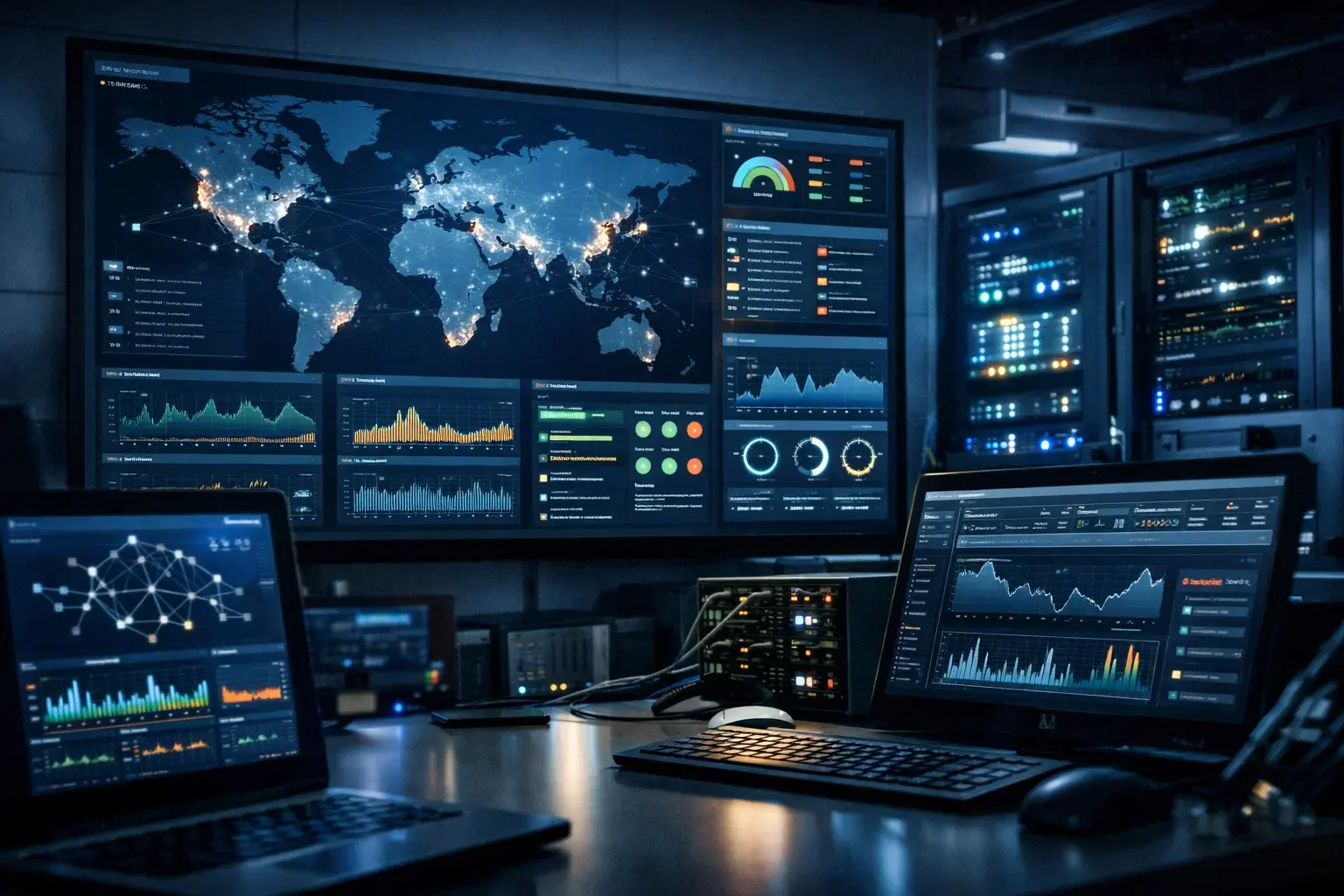
Information Technology (IT) monitoring is the continuous process of observing, measuring, and analyzing the behavior and status of a company’s technological systems, including servers, networks, applications, and digital services.
Its main goal is to answer questions such as:
-
Is this server available?
-
Is my application responding quickly?
-
Is the network overloaded or running normally?
-
Are there signs of failure before it happens?
In other words, IT monitoring acts as a surveillance system for your entire tech infrastructure, helping to prevent downtime, optimize performance, and maintain high service levels for both internal and external users.
Important fact: A PwC study reveals that nearly 7 out of 10 companies see AI-powered malware as one of the biggest threats to their digital security. This scenario confirms that attacks are becoming increasingly sophisticated and that traditional prevention is no longer enough without continuous monitoring and detection.
How does IT monitoring work?
IT monitoring relies on the continuous collection of data from various components of the technology environment. This includes metrics such as:
-
CPU and memory usage
-
Storage space
-
Availability of services and applications
-
Network traffic
-
Response time of web pages or APIs
These metrics are collected through automated mechanisms, either via agents installed on devices or standard network protocols. Once collected, the data is analyzed and compared to predefined parameters (thresholds) to detect anomalies or issues before they turn into critical failures.
When a value falls outside the expected range (e.g., a server using too much memory), the system automatically generates alerts that are sent to the IT team so they can take quick action.
What is IT monitoring for?
1. Minimizes Downtime
Few things hurt a company’s productivity or reputation more than a system going down without warning. Monitoring allows for the detection of failures before they affect users, keeping services available as much as possible.
2. Optimizes System Performance
By having visibility into key metrics, IT can adjust resources, balance loads, and improve the overall user experience, resulting in faster and more stable systems.
3. Reduces Costs and Improves Planning
By identifying consumption patterns and resource usage, companies can make smarter investment decisions (e.g., when to upgrade hardware or migrate services to the cloud), reducing unnecessary expenses.
4. Enhances Proactive Security
Although traditional monitoring focuses on availability and performance, it can also include security alerts for unusual patterns, helping to detect potential threats before they become major problems.
Types of IT Monitoring
Monitoring isn’t a one-size-fits-all practice—it covers various specialized areas depending on what you want to observe:
-
Infrastructure Monitoring: Focuses on servers, virtual machines, storage, and core components that support the entire operation. It ensures resources are “alive” and functioning properly.
-
Network Monitoring: Watches over routers, firewalls, switches, and the data flow between devices. Its goal is to ensure smooth and uninterrupted communication.
-
Application Performance Monitoring (APM): Targets the behavior of applications used by employees or customers, measuring load times, errors, and user experience.
-
Security Monitoring (SOC): This layer of monitoring analyzes the entire infrastructure from a cybersecurity perspective. Unlike traditional technical monitoring, its focus is on detecting malicious behavior and intent. It monitors events, user access, endpoint activity, and suspicious traffic, leveraging technologies such as SIEM, EDR, and IDS. Its goal is to detect and respond to threats in time—before they become security incidents.
Read more: Hiring SOC as a Service: How to Do It and What to Consider
Key Metrics and KPIs to Monitor
Here are some of the most commonly tracked key metrics:
| Metric | What It Indicates |
|---|---|
| Uptime | Whether a service is up and running |
| CPU/Memory Usage | System workload |
| Network Latency | Speed at which data travels |
| Application Errors | Internal issues or bugs |
| Web Service Availability | Whether services are responding to users |
These metrics not only help detect problems but also provide valuable data for reports and historical analysis, enriching strategic decision-making.
What Is Security Monitoring (SOC), and Why Isn’t It the Same as IT Monitoring?
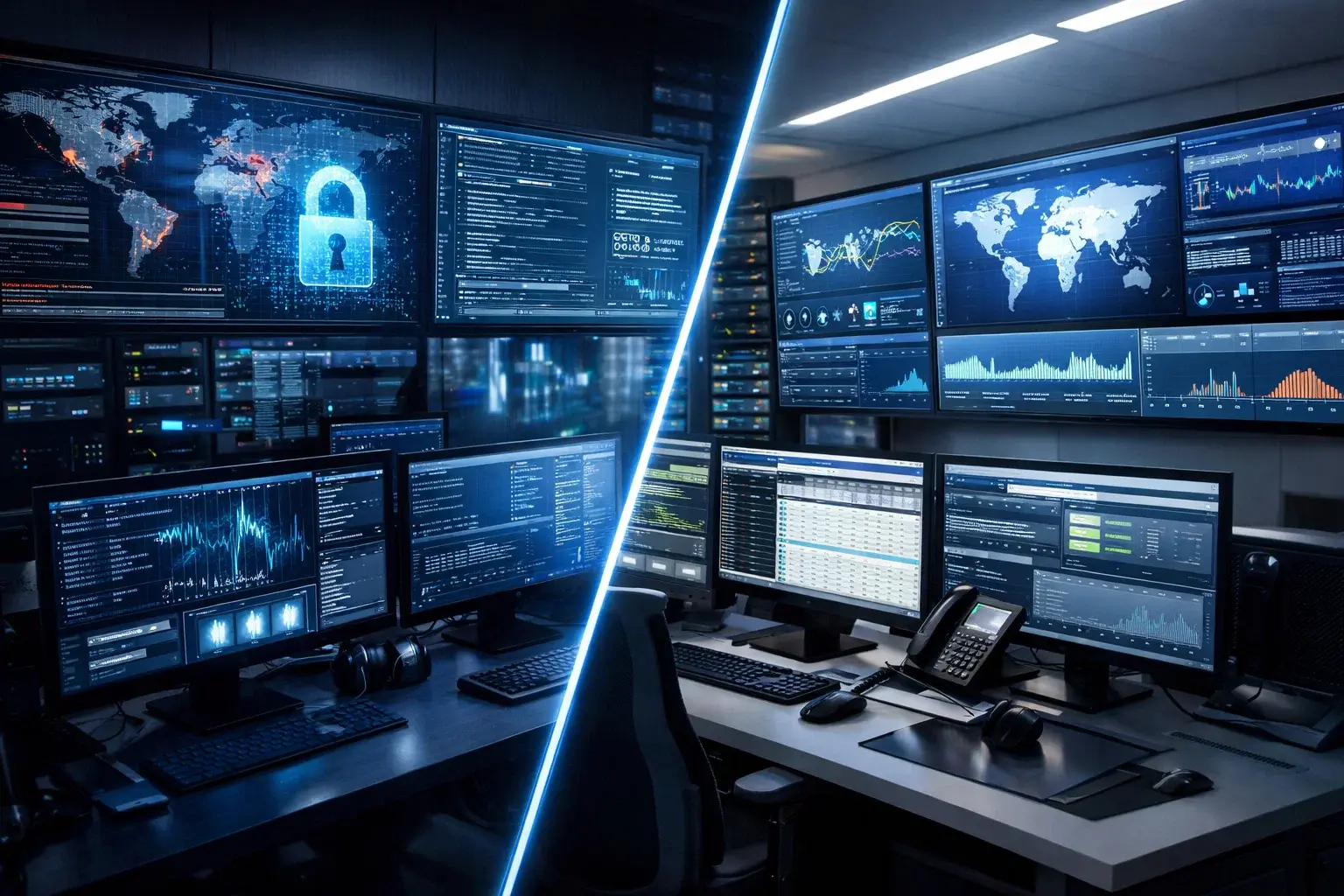
Security monitoring, conducted through a Security Operations Center (SOC), is responsible for detecting, analyzing, and responding to cyber threats in real time. Its focus isn’t on whether systems are “up,” but on whether they’re being attacked—even when everything seems to be working normally.
One of the most common mistakes companies make is assuming IT monitoring is enough to detect a cyberattack. In reality, it’s not. IT monitoring will tell you if a server crashes or storage is about to fill up.
A SOC, on the other hand, might alert you that the same server (with no visible issues) is sending large volumes of sensitive data to an unknown IP address in another country.
To do this, a SOC analyzes anomalous behavior using advanced technologies such as SIEM, EDR, and threat intelligence, capable of identifying malicious patterns that would go unnoticed by a traditional IT team.
This kind of monitoring is typically provided by an MSSP (Managed Security Services Provider), like TecnetOne, which operates security continuously and with specialized expertise.
Signs Your Traditional IT Monitoring Is No Longer Enough
At TecnetOne, we often see companies feel “everything is under control” simply because they have a dashboard full of green lights showing servers are on. The problem is that, today, a system being available doesn’t necessarily mean it’s secure.
If you relate to any of the following scenarios, your current monitoring strategy likely has critical blind spots:
1. You See Your Servers… But Not What’s Happening Inside
Traditional IT monitoring tools are great at warning you when a disk is almost full or a server stops responding. But they often fall short when it comes to seeing who’s accessing information, what they’re doing with it, and whether that behavior is normal.
Modern attacks (like ransomware or data theft) rarely cause immediate outages. Attackers move quietly, laterally, and maintain persistence. If your monitoring only reacts when something breaks, the damage has likely already been done.
2. Your Alerts Come Too Late (After the Attack Has Happened)
Many teams still rely on manual log reviews or alerts that only trigger when a service fails. That’s reactive monitoring. A modern security approach needs to detect early warning signs, such as suspicious login attempts or unusual privilege changes.
If today you can’t correlate events (for example, a failed VPN login followed by strange activity on a server), you’re increasing your exposure to a potential breach.
3. You Need to Comply with Security Standards
If your company must comply with standards like ISO 27001, SOC 2, or PCI DSS, traditional IT monitoring won’t cut it. These frameworks require active security oversight, threat detection, and clear incident response processes—not just knowing whether infrastructure is running.
A SOC enables you to demonstrate continuous monitoring, traceability, and response capabilities—critical for audits and for maintaining the trust of clients and partners.
Read more: How to Achieve PCI DSS Compliance with a 24/7 SOC
How to Strengthen IT Monitoring in Your Company
If you're looking not just to view performance metrics, but to detect and respond to cyberattacks in real time, the next step is integrating security monitoring.
At TecnetOne, we help companies take that leap through our SOC as a Service, which includes:
-
24/7 incident monitoring and response
-
Cybersecurity specialists
-
Integration with your entire IT infrastructure
-
Alignment with standards such as PCI DSS, ISO 27001, SOC 2, NIST, among others
If you want to find out whether your company truly needs a SOC or how to strengthen your current monitoring setup, talk to one of our specialists and let’s assess your situation.